



- Joined
- Mar 16, 2024
- Messages
- 8,539
- Reaction score
- 44
- Points
- 48
Game Name: Dinotica
Game Version: 24
Key Bindings:
Numpad 0
Numpad 1
Numpad 2
Numpad 3
Numpad 4
Numpad 5
Notes:
The default value is 7, with a maximum of 21. To restore the original effect, reset the value to its default.
Game Version: 24
Dinotica is an adventure game developed by XA Studio, released in 2025. The trainer below is for single-player use only.
About Dinotica
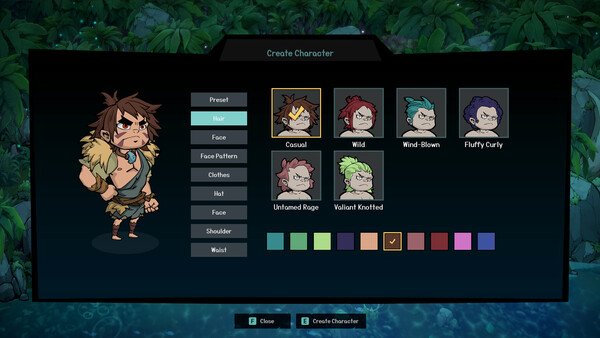
Welcome to Dinotica! Stomp into a mysterious and dangerous world filled with action, adventure, and companionship! Together, you'll fight, build, farm, and more as you work toward creating a unique home that is truly your own.Dinotica – Game Information
- Developer: XA Studio
- Publisher: Celestial Studio
- Genre: Adventure, Casual, Indie, RPG
- Release Date: 12 Aug, 2025
- Platform: Windows
- Steam Achievements: 73
- Languages: Simplified Chinese, English
How to install Dinotica Trainer
The Trainer provides more than 6 features and works with all game versions. To begin, extract the archive, launch the Trainer, select the game icon, and then start the game. Press the F4 key to open the options menu.Key Bindings:
Numpad 0
Numpad 1
Numpad 2
Numpad 3
Numpad 4
Numpad 5
Notes:
The default value is 7, with a maximum of 21. To restore the original effect, reset the value to its default.
Attachments
Last edited by a moderator: